
-
 Welcome bonusUp to 2 000 CAD + 100 FSfor the first 2 deposits
 -
 Welcome bonusUp to 2 000 CAD + 100 FSfor the first 2 deposits

WinSpirit Casino App
Playing from a phone should feel like an upgrade, not a compromise. Our mobile platform delivers the full casino experience to any screen without forcing you through an app store or a lengthy setup. Whether you’re at home on the couch or waiting in line at the coffee shop, this page walks you through exactly what the WinSpirit Casino app offers, how to get it running in under a minute, and why the WinSpirit app makes sense for Canadian players specifically.
What the Mobile Platform Actually Is
Most players picture a download from the App Store or Google Play when they hear “casino app.” That is not how we do it. Our mobile solution is a Progressive Web App — a PWA — meaning it runs directly from your browser without going anywhere near a third-party store. No approval delays, no storage-eating installation files, no waiting for an update to push through.
The WinSpirit Casino platform built this approach on purpose. Because the PWA sits in your browser, it updates automatically every time we push an improvement. You never have to manually refresh or re-download anything. For more context on the platform itself, visit WinSpirit Casino info.
Win Spirit designed the mobile layer to mirror the desktop experience exactly — same account balance, same bonus status, same game catalogue. That means your progress never resets when you switch devices. The WinSpirit app remembers where you left off, every time.
Installing the App Step by Step
Getting set up on both Android and iOS takes less than sixty seconds once you know the two-tap sequence. There is no file to source, no permissions screen to navigate — just your browser and the “Add to Home Screen” prompt.
| OS | Browser | Install Step |
| Android | Chrome or Firefox | Open the site → tap the three-dot menu → “Add to Home Screen” |
| iOS | Safari only | Open the site → tap the Share icon → “Add to Home Screen” |
Note that iOS users must use Safari. Chrome on iPhone does not support the home-screen prompt, so switching browsers before you start saves a bit of confusion. The WinSpirit Casino app download process is identical whether you are on a budget Android handset or the latest iPhone — no device-specific hoops to jump through.
One thing worth knowing: this is entirely WinSpirit Casino app download free — there is no cost at any stage. On Android, you do not need a separate file either; the WinSpirit app download free route through Chrome handles everything. If you prefer a packaged file for sideloading on certain Android builds, the WinSpirit Casino app download apk option is available directly on our site as well. For players on Android specifically, the WinSpirit app download for android path through Chrome is the quickest. The WinSpirit Casino app for android supports Chrome and Firefox equally, giving you flexibility on which browser you prefer. Players asking about the WinSpirit app for android on older devices will find it works on Android 8 and above without issues. A second route for the WinSpirit app download for android is through Firefox — useful if Chrome is not your default browser.
Once you have the icon on your home screen, tap it to launch and then head to WinSpirit registration access to create your account if you have not already. WinSpirit keeps the sign-up process short: email, password, country, currency — done.
Accessing the Mobile Lobby
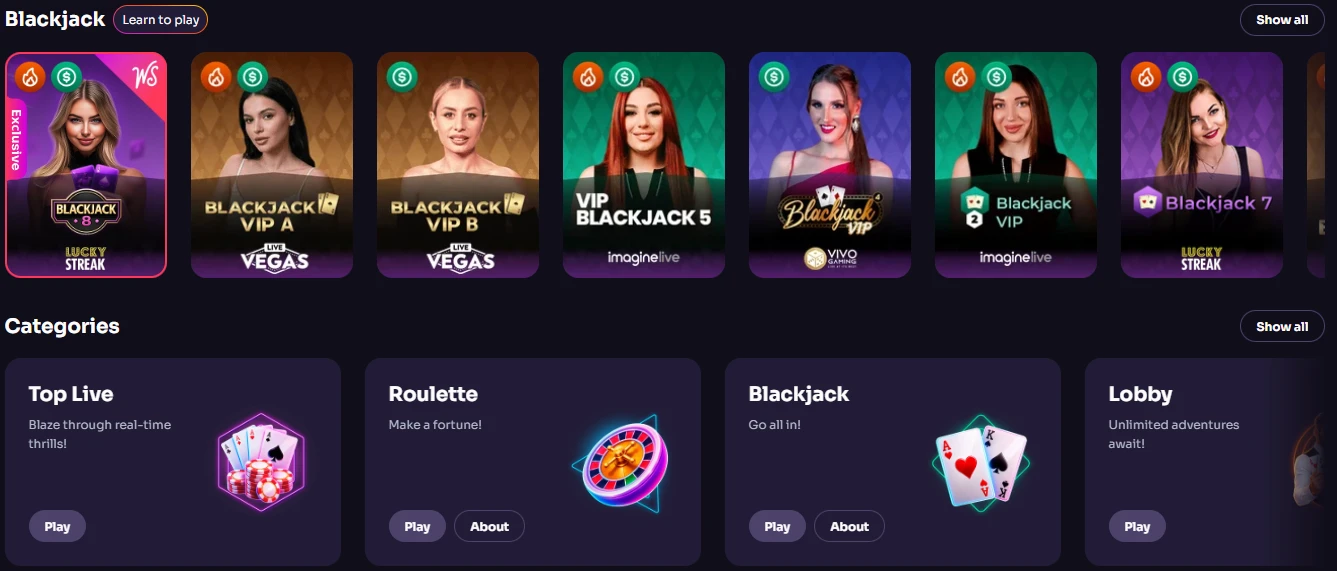
Every one of our 5,500+ titles runs smoothly on touchscreen devices, and the layout adapts automatically to portrait or landscape orientation. Nothing is stripped out or hidden behind a “desktop only” label. Our WS Casino lobby on mobile is the full version.
What you get when you open the mobile lobby:
- 5,500+ games — slots, table games, jackpots, and proprietary Winfinity titles
- HD Live Casino streams — real dealers from Iconic21, Imagine Live, Pragmatic Play, and more, available 24/7
- Sportsbook betting — 281+ esports and traditional sports events with live in-play options
The WinSpirit Casino app for android delivers all three categories without any speed penalty on a solid mobile connection. Switching between a slot, a live blackjack table, and a sports bet takes seconds. For our FAQ on mobile access and other common questions, check WinSpirit FAQ guide.
The WinSpirit app for android also supports demo mode. You can try any slot in practice play without logging in, which is a practical way to preview a new title before committing real funds. The WinSpirit app download you complete today gives you access to the entire catalogue from day one — nothing is locked behind a loyalty tier. Our WS Casino mobile lobby and desktop lobby share one unified game list, so there are no mobile-exclusive gaps. WinSpirit Casino keeps both environments in perfect sync.
Using Crypto on Your Smartphone
Mobile users can manage their 20 EUR / 10 CAD minimum deposits directly through the mobile cashier, using native banking apps on the same device without switching screens. The cashier section loads inside the PWA just as it does on desktop — full access, no abbreviated menus.
Supported methods on mobile include:
- Interac — instant CAD deposits, 10 CAD minimum, Canada-specific
- Crypto — Bitcoin, Ethereum, USDT, Solana, XRP, and more; funds arrive within minutes
- 20 EUR / 10 CAD minimum — the entry point is kept low to suit casual players
- Full cashier access — deposits, withdrawals, and transaction history all available in-app
The WinSpirit Casino app handles crypto transactions through the same cashier flow as desktop. You copy a wallet address, paste it into your crypto app on the same phone, confirm the transfer, and the funds show up in your account within about fifteen minutes for Bitcoin or Ethereum. No separate verification step required beyond your standard KYC.
The WinSpirit app also gives VIP players access to the full deposit insurance and live cashback benefits on mobile. Installing it and reaching a new VIP level earns you 20 no-deposit Free Spins on top — that is a direct reward for setting up the PWA.
Evaluating the Mobile Experience
Installing the PWA takes seconds, but a stable mobile internet connection is the one thing you genuinely need to keep the experience smooth — that trade-off is real and worth knowing upfront.
| Feature | Detail |
| Install speed | Under 60 seconds on any supported device |
| Offline play | Not supported — active connection required |
| Storage used | Minimal — no large app file saved locally |
| Auto-updates | Yes — every update applies silently in the background |
| Cross-platform sync | Real-time across mobile, tablet, and desktop |
The WinSpirit Casino app download eliminates the “which version am I on?” problem that plagues traditional installs. Because updates are server-side, you are always on the current build. The WinSpirit Casino app download apk option for sideloading on Android is useful in specific cases — for example, if your region’s browser behaves differently — but most players will never need it. WinSpirit has optimised the PWA specifically for lower-bandwidth conditions, so a standard LTE connection is enough for smooth slot and live dealer play. WS Casino mobile performance has been independently noted in player reviews on AskGamblers and CasinosInCanada, where the platform holds a 96% rating. WinSpirit Casino app for android users in particular benefit from the dual-browser support, meaning you are never locked out if one browser has a hiccup.
Ensuring Secure Play on the Go
The mobile experience retains full SSL encryption across every session and gives you direct access to 24/7 live chat without ever leaving the PWA. Security is not reduced because you are on a smaller screen.
Key protections in place for mobile sessions:
- Mobile SSL encryption — all data transmitted between your device and our servers is encrypted end-to-end
- 24/7 live chat — accessible from within the PWA at any time; average response is near-instant
- Biometric browser login — iOS and Android both support fingerprint or Face ID when set up in your browser settings
The WinSpirit Casino app runs under the same Curaçao GCB licence and eCOGRA-certified RNG that governs desktop play. Nothing about playing on a phone changes your legal protections or your bonus eligibility. Win Spirit Casino treats mobile and desktop accounts identically — your limits, your cashback, your weekly promotions all apply regardless of which device you use.
The WinSpirit app for android and its iOS equivalent both benefit from the browser’s built-in security layer on top of our own SSL. That double layer matters when you are on a public Wi-Fi network. If you have biometric login enabled in Chrome or Safari, the WinSpirit app download you set up becomes gated behind your fingerprint or face — an extra step that takes milliseconds and adds meaningful protection. WinSpirit Casino app sessions time out automatically after a period of inactivity, which keeps your balance safe if you put your phone down and forget about it.
Who the Mobile Platform Is For
This setup works best for players who want their full account — bonuses, live tables, sportsbook, crypto cashier — available the moment they unlock their phone, without managing a separate app or worrying about updates. If you play regularly on both a desktop and a phone and hate logging back in constantly, the cross-platform sync is the feature that will matter most to you.
It also suits players who are cautious about storage space. Because the WinSpirit app leaves no large file on your device, it is a practical choice for anyone running a phone with limited internal memory. Win Spirit built the PWA specifically with that player in mind — light on resources, heavy on capability.
The WinSpirit Casino app download is genuinely worth doing on day one: the install bonus of 20 no-deposit Free Spins plus a new VIP level is credited upon setup, and that offer does not require a deposit. If you are a high-volume player, the VIP cashback and deposit insurance features work exactly the same on mobile as they do on desktop, so there is no disadvantage to switching your primary device.
Common Questions About the Mobile Setup
Does the Installation Cost Anything?
No. There are no fees at any stage of the process. The entire setup is handled through your browser’s built-in prompt, and no payment details are required to install.
Which Devices and Browsers Are Supported?
Android phones and tablets work with Chrome and Firefox. iPhones and iPads require Safari — Chrome on iOS does not support the home-screen install prompt. Windows and macOS desktops can also pin the site as a PWA. The WinSpirit Casino app runs on any OS that supports a modern browser.
What Happens to My Bonuses When I Play on Mobile?
Nothing changes. Every active bonus — welcome package, Wednesday Free Spins, Sunday Gift, weekly cashback — applies equally on mobile. The WinSpirit app download you complete also unlocks a one-time installation bonus of 20 no-deposit Free Spins plus a VIP level upgrade, credited automatically.
Is There a Separate Login for the Mobile Version?
No separate account is needed. You use the same credentials you registered with on desktop. The WS Casino session syncs in real time, so your balance and game progress are identical across every device you use.
How Secure Is Playing Through a Mobile Browser?
Our platform applies SSL encryption to every session regardless of device. The WinSpirit Casino app operates under the same Curaçao GCB licence and eCOGRA RNG certification as the desktop version. Biometric login through Safari or Chrome adds a second layer of access control on top of that.